
Pokie Spins Mobile Application
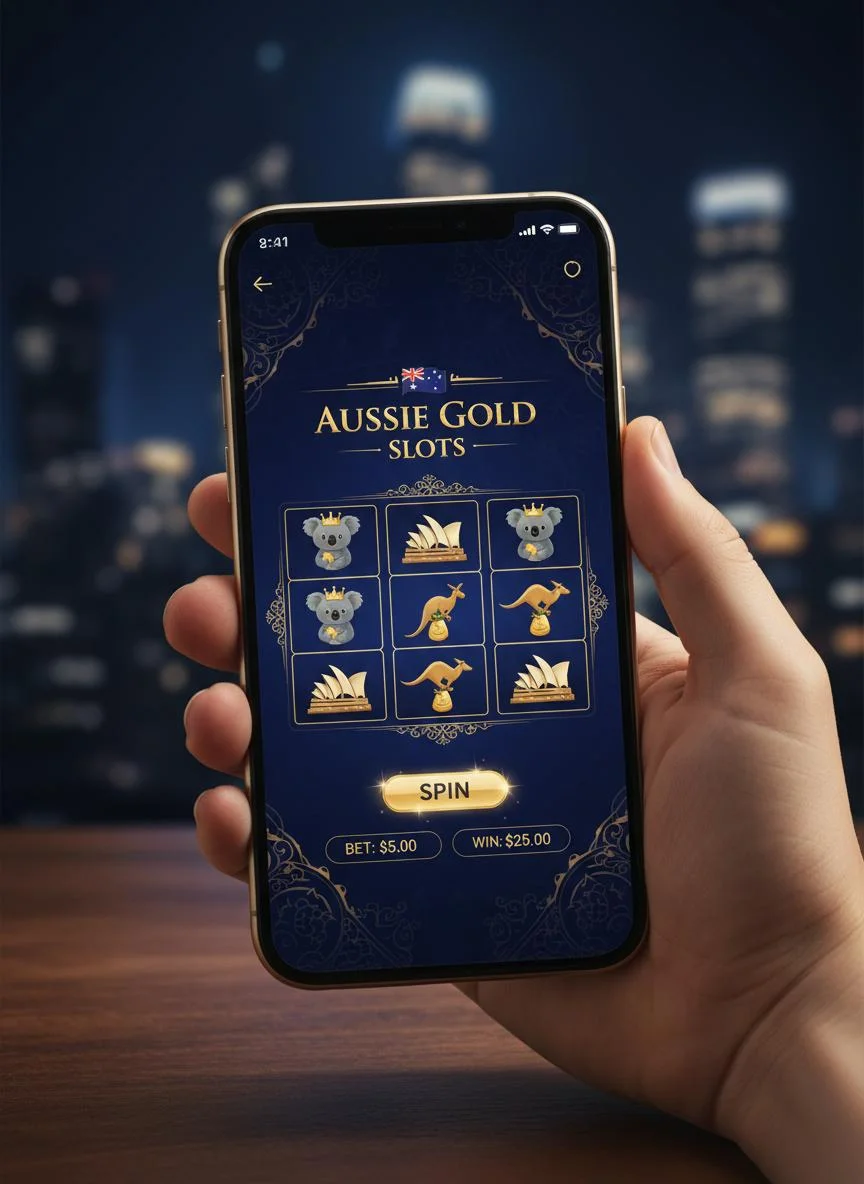
The Pokie Spins mobile app brings the full casino experience to your smartphone or tablet. Designed specifically for Australian players, our app offers seamless access to over 2,000 games, secure banking options, and exclusive mobile promotions. Whether you're commuting, relaxing at home, or waiting for a mate, your favourite pokies are just a tap away.
Our development team has worked tirelessly to ensure that the mobile experience matches – and in some ways exceeds – the desktop platform. The app features intuitive navigation, fast loading times, and optimised gameplay for smaller screens. Every game has been tested to ensure smooth performance across all supported devices.
| App Specification | Details |
|---|---|
| Platform Support | iOS 12.0+, Android 7.0+ |
| App Size | iOS: 45 MB, Android: 38 MB |
| Games Available | 2,000+ (full library) |
| Payment Methods | All desktop options supported |
| Languages | English (Australian) |
| Internet Required | Yes (WiFi or mobile data) |
| Push Notifications | Customisable bonus alerts |
| Biometric Login | Face ID & fingerprint support |
Quick Navigation
Exclusive Bonuses in the Pokie Spins App
Special rewards for mobile players
Mobile players at Pokie Spins enjoy access to all our standard promotions plus exclusive app-only bonuses. We believe in rewarding players who choose to play on mobile, which is why we've created special offers that can only be claimed through our mobile app.
From mobile-specific free spins to exclusive deposit matches, our app bonuses give you extra value every time you play on your smartphone or tablet. Push notifications ensure you never miss a promotion, alerting you to new bonuses, tournament invitations, and special events as soon as they become available.

| Bonus Type | Offer | Requirements |
|---|---|---|
| Mobile Welcome Bonus | 100% up to $1,000 + 100 Free Spins | First deposit via app |
| App Download Bonus | 20 Free Spins no deposit | Download and register via app |
| Mobile Monday | 25% reload bonus up to $100 | Deposit on Mondays via app |
| Touch & Win | Random free spins while playing | Active app gameplay |
| Push Notification Bonus | Exclusive offers via push notifications | Enable notifications |
| Mobile Cashback | 15% weekly cashback on mobile losses | Play exclusively on mobile |
How to Download the Pokie Spins App
Get started in minutes on iOS or Android
Downloading and installing the Pokie Spins app is quick and straightforward. We've optimised the process for both iOS and Android devices, ensuring you can start playing your favourite games within minutes. Follow the step-by-step guides below for your device type.
Download for Android
-
Visit Our Website
Open your Android device's browser and navigate to pokiespins33.com.
-
Download the APK
Tap the "Download for Android" button to download the APK file.
-
Enable Unknown Sources
Go to Settings > Security and enable "Unknown Sources" to allow installation from sources other than the Play Store.
-
Install the App
Open the downloaded APK file and tap "Install" when prompted.
-
Launch and Login
Open the app, log in with your existing account or register a new one, and start playing.
Download for iOS
-
Visit the App Store
Open the App Store on your iPhone or iPad.
-
Search for Pokie Spins
Type "Pokie Spins Casino" in the search bar.
-
Download the App
Tap the "Get" button to download and install the app.
-
Trust the Developer
If prompted, go to Settings > General > Device Management and trust the developer certificate.
-
Launch and Login
Open the app, log in or register, and enjoy the full casino experience.
Features of the Pokie Spins Gaming App
Everything you love about Pokie Spins, optimised for mobile
The Pokie Spins app has been designed from the ground up to deliver an exceptional mobile gaming experience. Every feature has been carefully considered and optimised for touchscreen devices, ensuring smooth navigation, fast loading times, and immersive gameplay.
Full Game Library
Access all 2,000+ games including pokies, table games, and live casino. Every title is optimised for mobile play.
Biometric Login
Quickly and securely access your account using Face ID or fingerprint authentication.
Mobile Banking
Make deposits and withdrawals directly from the app using all our supported payment methods.
Push Notifications
Never miss a bonus or promotion with customisable alerts sent directly to your device.
Fast Performance
Enjoy lightning-fast loading times and smooth gameplay even on older devices.
Exclusive Bonuses
Claim mobile-only promotions and receive special rewards for playing on the app.
Account Management
View your balance, transaction history, bonus status, and manage settings from your phone.
Live Chat Support
Get instant help from our support team directly through the app's integrated chat feature.
Frequently Asked Questions
Common questions about the Pokie Spins mobile app
Yes, the Pokie Spins app is completely free to download for both iOS and Android devices. There are no hidden fees or charges for installing or using the app.
Yes, your Pokie Spins account works seamlessly across all platforms. You can switch between desktop and mobile at any time using the same login credentials, and your balance, bonuses, and progress will be synchronised.
The app is optimised to minimise data usage. Most games use approximately 1-3 MB per hour of play. We recommend connecting to WiFi when possible for the best experience and to conserve your mobile data allowance.
Yes, most of our games offer a demo mode that allows you to play for free. This is a great way to try new games and practice strategies before playing with real money.
Absolutely. The app uses the same advanced encryption technology as our desktop site to protect your personal and financial information. All transactions are secure and your data is never shared with third parties.
First, ensure you have the latest version of the app installed. Try closing and reopening the app, or restarting your device. If problems persist, contact our technical support team for assistance.
Yes, you can customise or disable push notifications in the app settings or through your device's notification settings. However, we recommend keeping them enabled so you don't miss exclusive mobile bonuses.
iOS users will receive updates automatically through the App Store. Android users should check our website periodically for the latest APK version. We recommend enabling automatic updates for the best experience.